

Connect a channel
The four ways a platform connects, and what to do when one fails
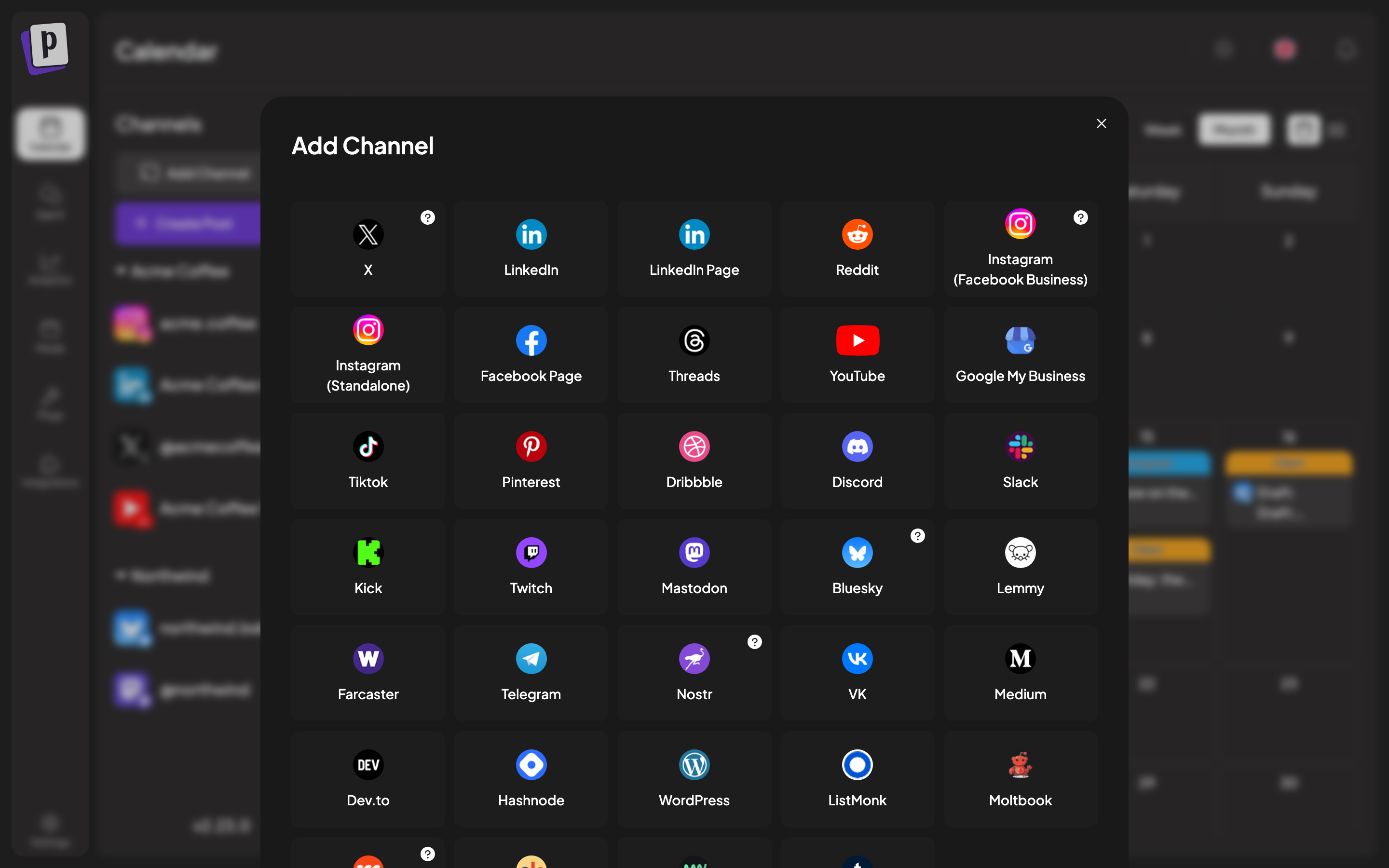
Where: Calendar, left sidebar, Add Channel
A channel is one connected social account. Everything else in Postaryx, the calendar, the composer, analytics, hangs off channels, so this is the first thing you do.
The four connection flows
Which one you get depends on the platform, not on a setting. The Add Channel dialog picks automatically.
The common case: X, LinkedIn, Facebook, Instagram, YouTube, TikTok, Reddit, Pinterest, Discord, Slack and most others.
You click the platform, get sent to the platform's own authorisation screen, approve, and land back in Postaryx with the channel connected.
Some platforms then ask a follow-up question, because one account can contain several destinations. Facebook asks which Page, YouTube which channel, Tumblr which blog, LinkedIn Page which company. Postaryx calls this a "continue integration" step and the channel is not usable until you finish it.
Letting a client connect their own account
You do not have to hold a client's password. The button next to Add Channel generates an invite link you can send them. They open it, authorise their own account, and the channel lands in your organisation.
Invite links only cover platforms that redirect cleanly, so platforms needing an instance URL, custom credentials or the browser extension are excluded from that list. See Client groups and invite links.
After connecting
The channel appears in the left sidebar with its avatar. Two markers are worth knowing:
- A red exclamation means the channel needs attention. Usually the token expired and it needs reconnecting, sometimes an unfinished setup step.
- Faded out at half opacity means the channel is disabled.