

Media library
Everything you have uploaded, in one searchable place
Where: the Media section, or Insert Media inside the composer
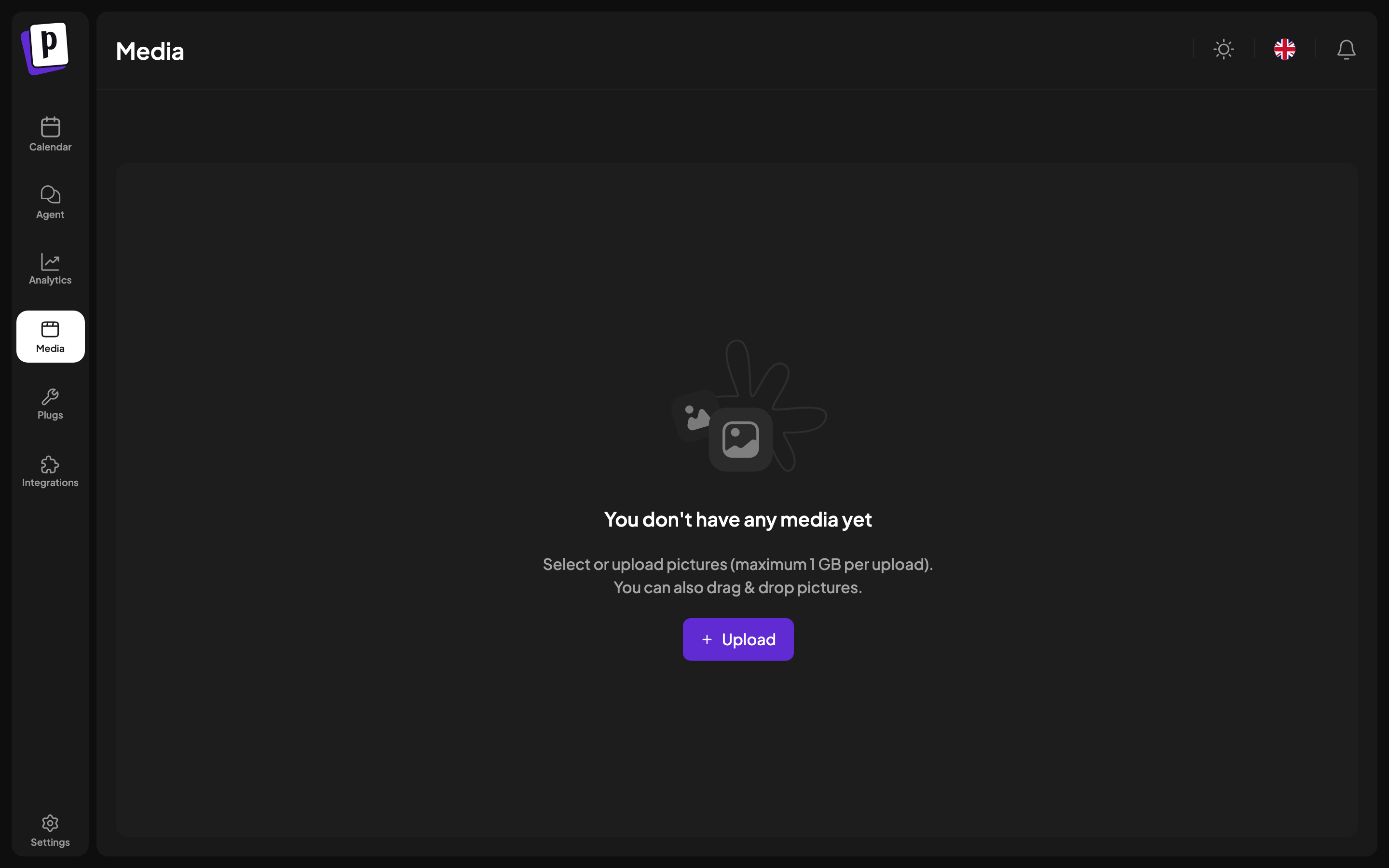
Every file you upload or generate lands in the media library, so you can reuse it without hunting for the original.
What is in it
- Files you uploaded from the composer or from this page.
- Images generated by AI, see AI generation.
- Media imported from a connected third-party service.
Working with it
| Action | How |
|---|---|
| Upload | The upload button, or drag files in |
| Search | By file name |
| Preview | Maximise any item |
| Delete | Per item |
| Use in a post | Open the library from the composer and select |
Results are paginated rather than infinite scrolling, so a large library stays usable.
Limits
Images are capped at 10 MB each and video at 1 GB, and the accepted types are JPEG, PNG, GIF, WebP, AVIF, BMP, TIFF and MP4. Postaryx reads the real type from the file contents, so renaming the extension does not help.
Where library media is used
Besides posts, the library is the picker for:
- A channel's bot picture, see Manage a channel.
Deleting
Deleting removes the file from the library. Posts that already published are unaffected, since the platform holds its own copy. Scheduled posts still referencing a deleted file will fail at publish time, so check before removing anything recent.