LinkedIn Page
How to add a LinkedIn Page to your system
These are your credentials with the platform, not Postiz credentials.
The keys on this page belong to a developer app you register with the platform. Nobody from Postiz will ever ask for them.
Keep them in your environment or a secret manager, never in a committed .env
file, and rotate them at the platform if they leak.
Verify your app
Verify your app with LinkedIn
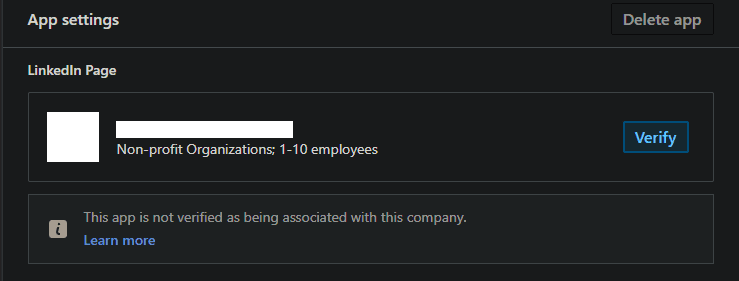
You will need to follow the verification process to request the necessary permissions listed below.
Add required products
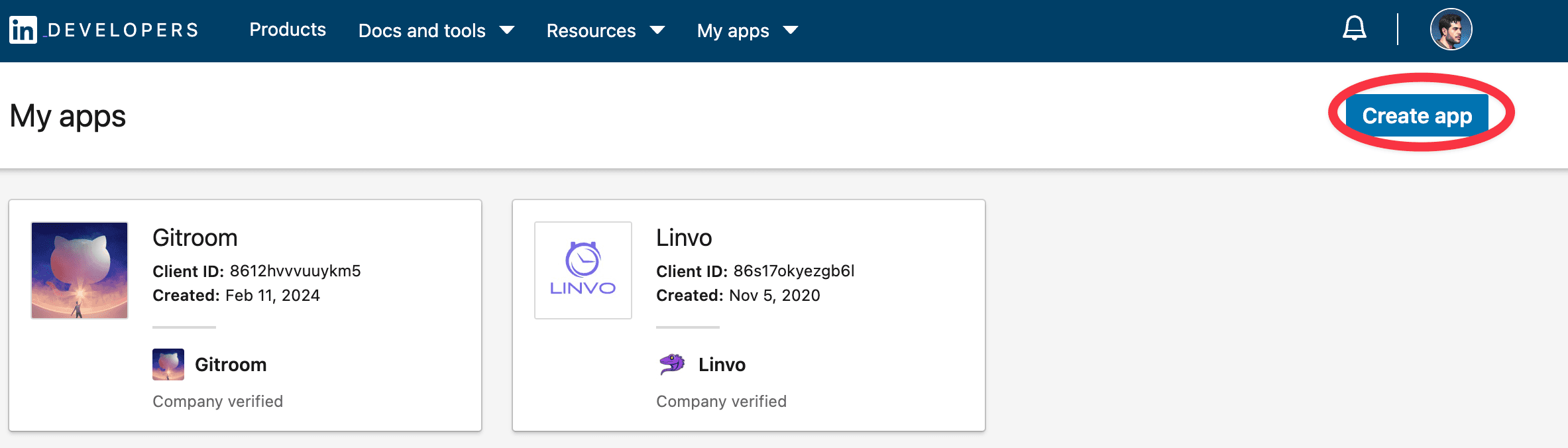
Fill in all the details, once created head over to Products and make sure you add all the required products:
- Share on LinkedIn
- Advertising API
- Sign in with LinkedIn using OpenID connect
It is important to request the Advertising API permissions and fill up the request form, or you will not have the ability to refresh your tokens.
Configure OAuth2 Redirect URI
The OAuth2 Redirect URI is the location where the provider will redirect to after a successful login. This needs to be set to your Postiz FRONTEND_URL + /integrations/social/ + {provider}.
You only need to set one OAuth2 Redirect URI when you are setting up your Postiz app.
Your LinkedIn Page OAuth2 Redirect URI:
- Production:
https://your-postiz-domain.com/integrations/social/linkedin-page - Local development:
http://localhost:4200/integrations/social/linkedin-page - Docker:
http://localhost:5000/integrations/social/linkedin-page
Copy your credentials
Copy the created Client ID and Client Secret and add them to your .env file.
LINKEDIN_CLIENT_ID=""
LINKEDIN_CLIENT_SECRET=""
You can find those under the Auth Tab of your LinkedIn App in the developer portal.
Posting PDFs / document carousels
LinkedIn is the only provider Postiz supports PDF posting on, and only through document-carousel posts. When you create a carousel of images on a LinkedIn Page, Postiz combines the images into a PDF document and uploads it as a LinkedIn document share. You don't upload a PDF directly. Postiz produces the PDF from your images.
This is not supported on other platforms; the public-API upload endpoint does not accept application/pdf.